
You have paid for a website, approved the design and started sharing the link with customers. Then someone mentions that the premium plugins came from a bargain download bundle. They look right and the website works. Does it really matter where they came from?
It does. A plugin becomes part of the software running your business website. Before trusting it with your enquiries, bookings or shop, you should know who supplied it and how it will receive updates.
Keeping costs down is sensible. Here is how to do that without taking unnecessary risks with your website.
What is a nulled WordPress plugin?
A nulled plugin generally means a premium plugin modified by a third party to bypass licence checks or appear to unlock paid features. It may carry the original product’s name and look familiar, even though its code has changed.
Some copies contain malicious code. Others may fail to provide the updates, support or online services buyers expect. A dashboard saying “activated” does not establish that the software is authentic or that the vendor recognises your subscription. Wordfence explains these distinctions in its guide to nulled plugins.
Free plugins can be a sensible choice
Free does not mean nulled. Many developers publish free plugins themselves, including free editions of paid products. WordPress has an official plugin directory where you can review the developer, update history, compatibility information and support discussions. Those checks help you make a decision; they are not a guarantee that software will never have a vulnerability. See WordPress’s guide to managing plugins.
The useful question is: Can you verify this plugin’s source and keep it maintained?
A low price alone does not prove tampering. Neither does an expired subscription or a licence warning. Ask for the source and purchase details before drawing conclusions.
Where the hidden costs appear
A working homepage can hide a problem
Malicious software does not always break the visible website. In a campaign reported in September 2025, Wordfence researchers found tampered plugins that concealed themselves and interfered with security controls while maintaining attacker access. This is a documented example, not a claim that every nulled plugin behaves that way. Read the original research.
For a business owner, a good-looking homepage is therefore only one part of checking that a website is healthy.
The promised features may be incomplete
Some premium features depend on the developer’s online services. Changing a local licence message cannot necessarily provide those services. Vendor support may also be unavailable when the seller has no recognised relationship with the original developer. Wordfence’s plugin guide covers these limitations.
Before paying for a bundle, ask which features actually work, how updates arrive and who will help when something fails.
Repairs take time away from the business
Imagine a small catering company preparing for a busy weekend. If its booking form becomes unreliable, someone must investigate the website while another person follows up on enquiries manually. Even without a large repair bill, that interruption has a cost.
When comparing website quotes, include the ongoing work: maintaining the site, renewing essential products and testing changes. A clear maintenance agreement makes those costs easier to plan for.
Five questions to ask your website developer
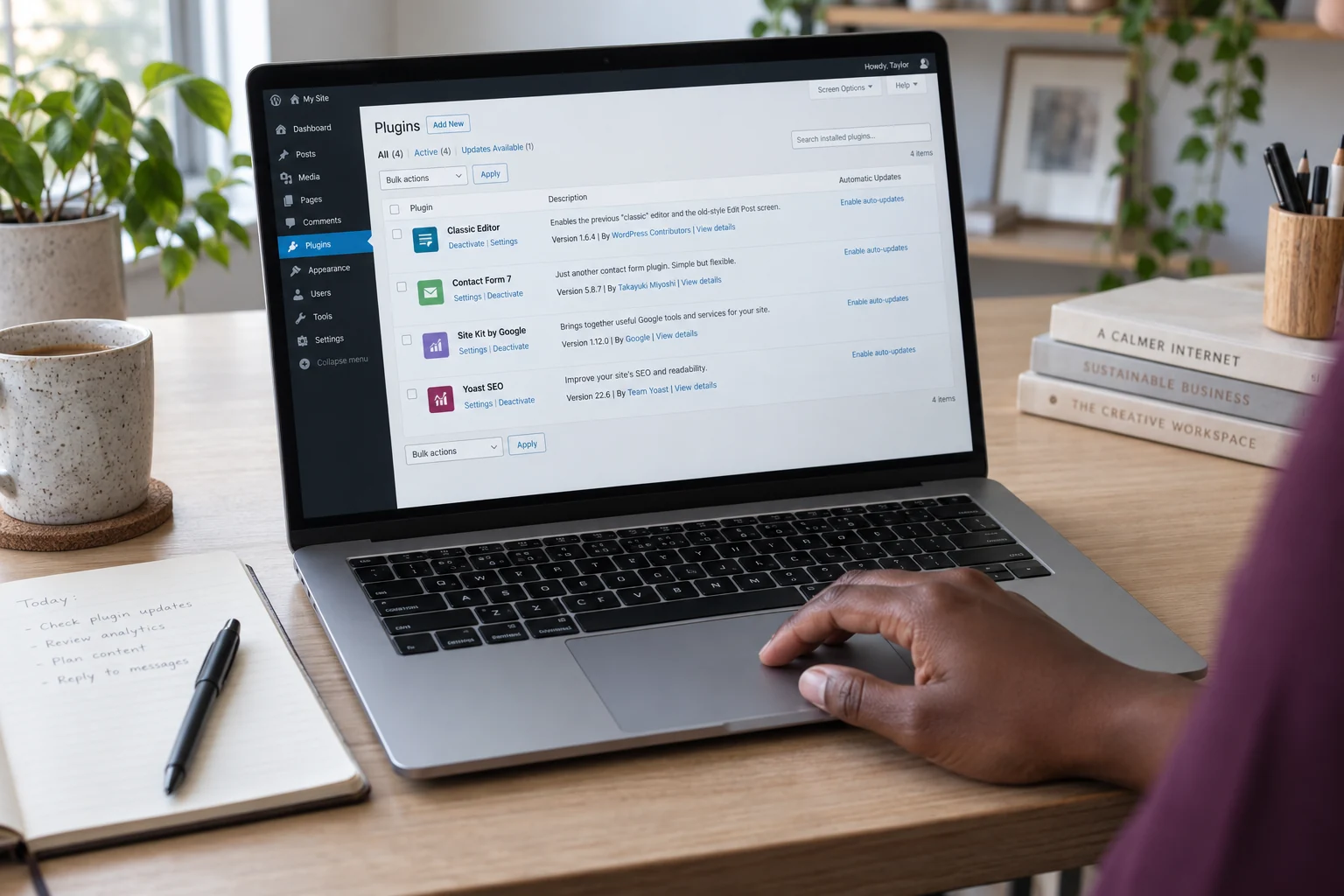
You do not need to read code to ask for a proper handover. Start with these questions:
- Which premium plugins and themes does my website use? Ask for a short list explaining what each one does.
- Where were they downloaded? Ask for the original developer or official directory link.
- Whose account covers the subscription? If an agency provides it, ask how your website is covered and what happens when your agreement ends.
- Who handles updates and renewals? Agree who pays, who makes changes and who checks the website afterwards.
- What will I receive at handover? Request the information you need to maintain your site or appoint another developer later.
An agency-managed subscription can be a valid arrangement where the vendor permits it. The goal is a clear agreement, not necessarily a separate purchase for every product in your own name.
A quick review you can start today
Open your WordPress dashboard and look at the installed plugins. If someone else maintains your website, ask them to review the list with you.
Check unfamiliar plugins against their official product pages. Note missing updates, unsupported versions and anything nobody can explain. WordPress recommends trusted sources, keeping plugins updated and removing plugins you no longer use. Read the official security guidance.
Avoid deleting an unfamiliar plugin just because its name means nothing to you. It may control your forms, layout or checkout. Establish what it does and arrange a safe replacement if needed.
Keep a simple record of each essential plugin, its source and the person responsible for maintaining it. That small document can make your next website handover much easier.
What if you suspect a tampered plugin is already installed?
Contact your host or a trusted WordPress specialist. Share the plugin name, its download source if known and any symptoms you have noticed. Do not send passwords in an ordinary support message.
If there are signs of compromise, the review should extend beyond that one plugin. Files, administrator accounts and the database may need checking. Removing the original entry point does not necessarily remove changes an attacker has already made. A clean scan is useful evidence, but it cannot guarantee that every threat has been found. Wordfence’s recovery guidance explains why a broader investigation matters.
Ask for a recovery plan that preserves your content, replaces affected software with trusted copies and checks the functions customers use before normal service resumes.
Build within your budget
Start with the features your customers actually need. A clear services page, reliable enquiry form and useful contact details may serve a young business better than a large collection of premium add-ons.
Use reputable free options where they meet the requirement. Budget for paid products when their features justify the cost, and include maintenance in your website budget from the beginning.
If you are unsure about the plugins on your Nakroteck-hosted website, contact our support team with your domain and concerns. We can help you understand the next steps. You can also explore our managed WordPress hosting plans and check which services are included before choosing a plan.
Need help choosing the right setup?
Talk to Nakroteck before you buy hosting, domains, SSL, or website services. We will help you choose the right option for your business.